
6.3 KiB
ThingsBoard Assessment
Team 8
Jarne Clauw Tibo De Peuter Mathis De Witte
Introduction
Idk small introduction text
ThingsBoard installation
Setup of ThingsBoard...
Using ThingsBoard
We will now demonstrate how to use ThingsBoard by injecting telemetry data. First we will create a tenant. This tenant can then add customers, and add users, assets, devices, dashboards and edges to each customer.
Setting up a tenant
In this section we will set up a new tenant. When browsing to http://localhost:8080 we land on the login page. We log in with the following credentials, the email is sysadmin@thingsboard.org with password sysadmin. Once we successfully logged in, we land on the home page.
!
To add a tenant we can navigate to the tenants page by using sidebar and clicking the + icon, or click on the Add tenant button on the home page.
!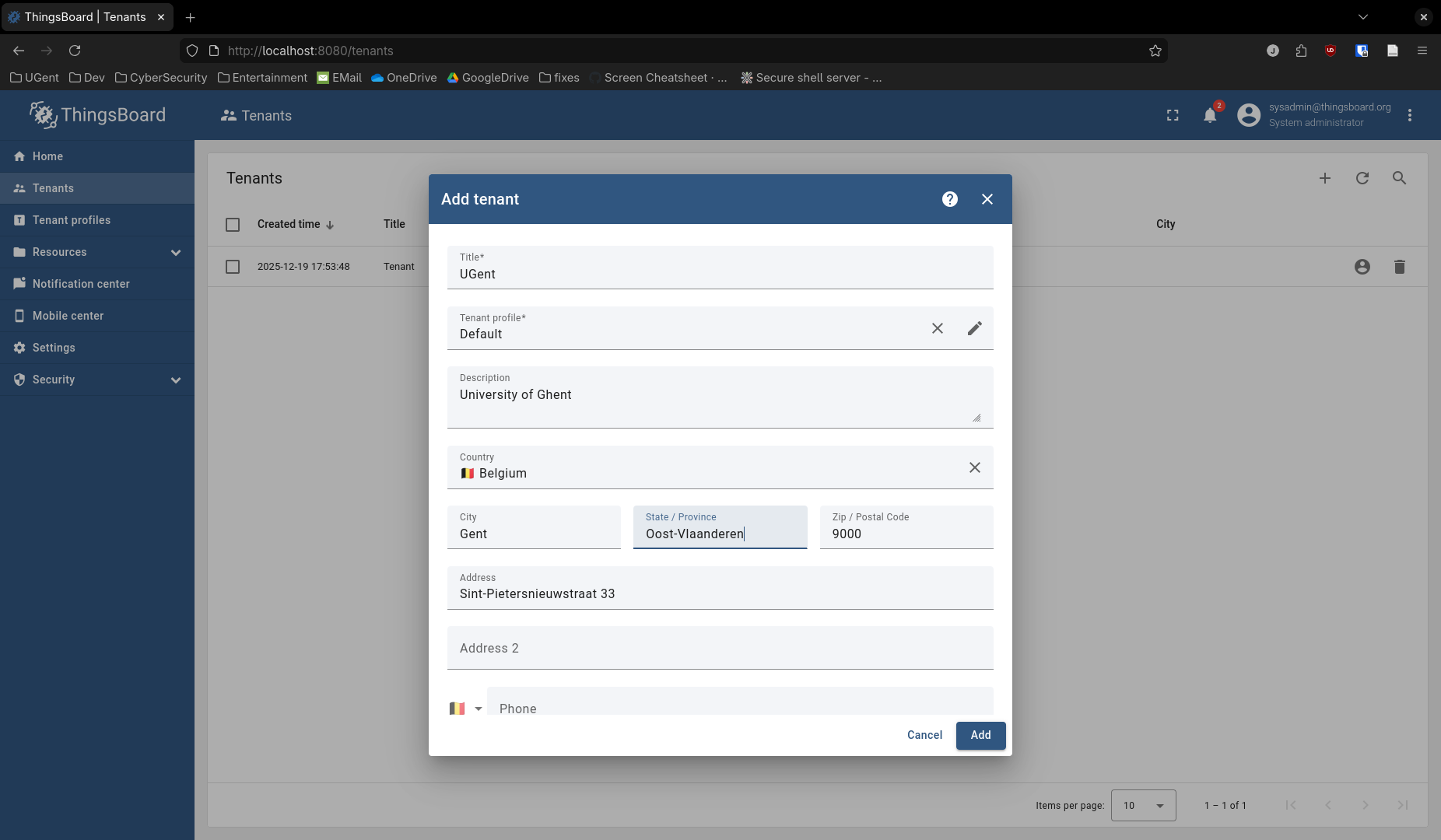
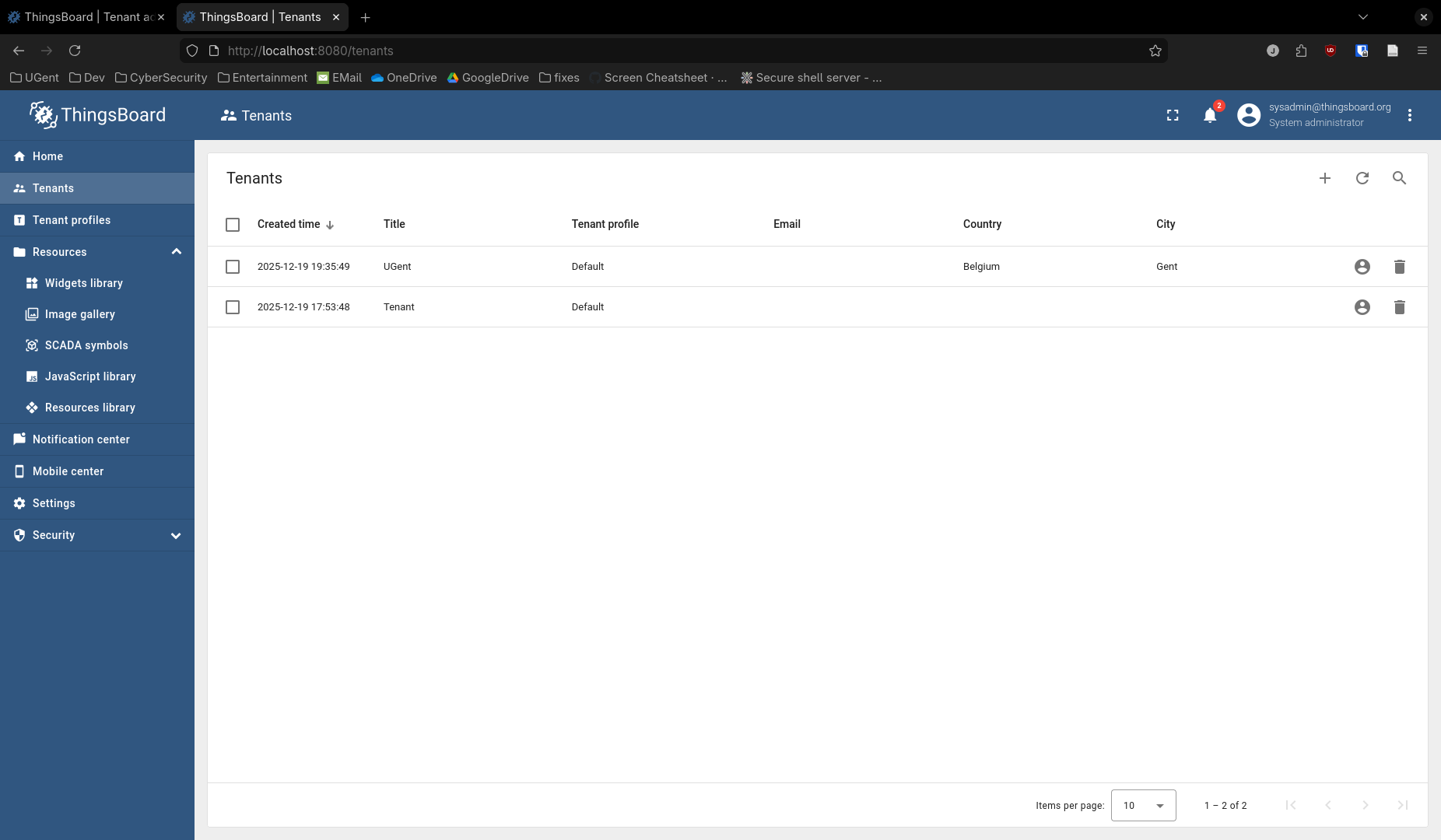
After filling in the necessary information and adding the tenant, it should show up in the list of tenants.
!
To be able to log in as that tenant, we need to create an admin user for that tenant. Click on the three dots of our tenant, and click on Manage tenant admins. Fill in the information, click Add and activate the account (can be done through email if needed).
!
If everything was successful, you are now redirected to the home page, logged in as the tenant sysadmin.
!
This concludes this section where we created a tenant. In the next section we will add a customer for this tenant.
Setting up a customer
In this section we will add a customer to the tenant and also create a dashboard and add a device for this customer so we can inject data in the next section. We assume you are logged in as the tenant administrator. We can navigate to customers and click the + icon to create a new customer.
!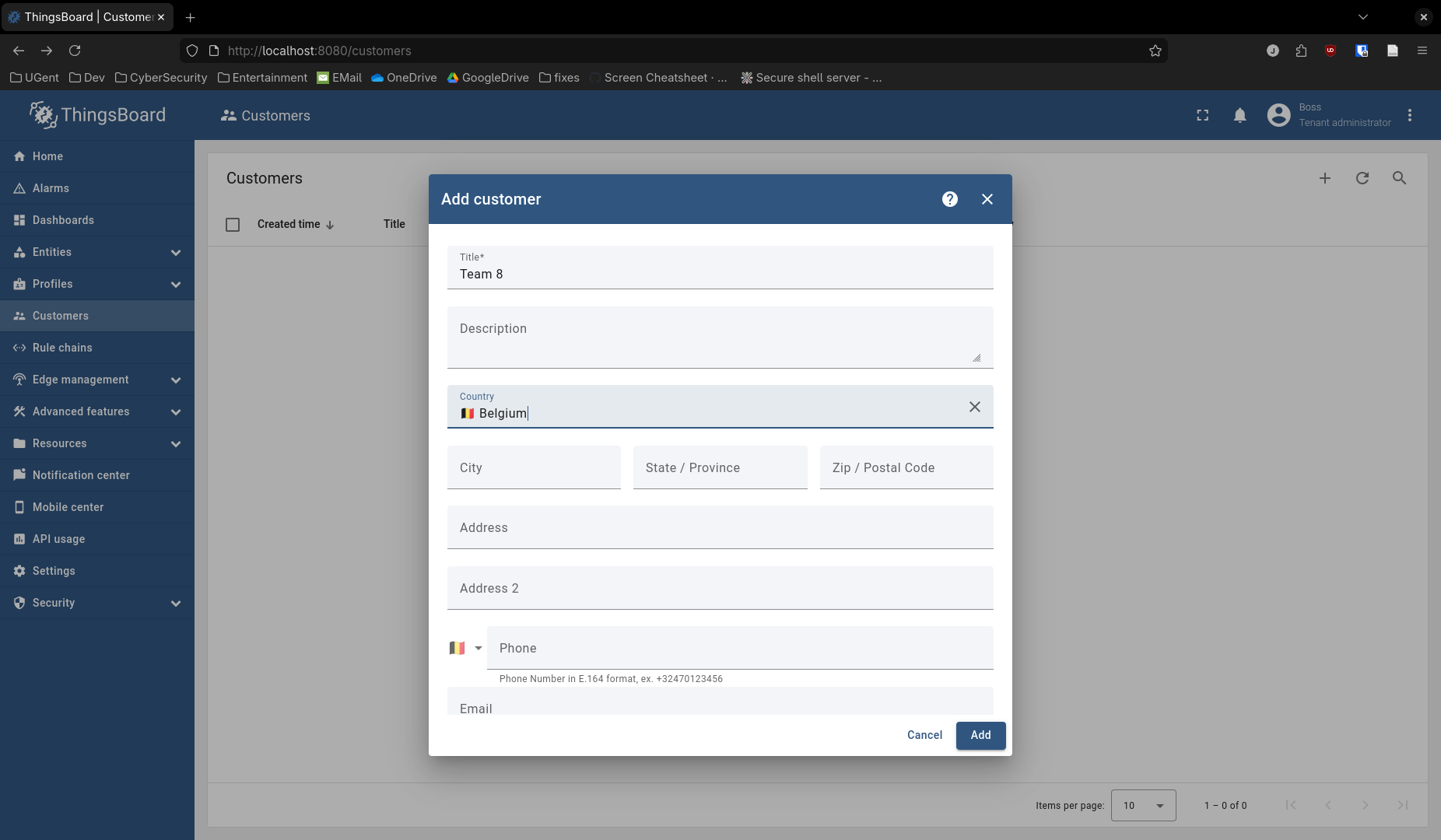
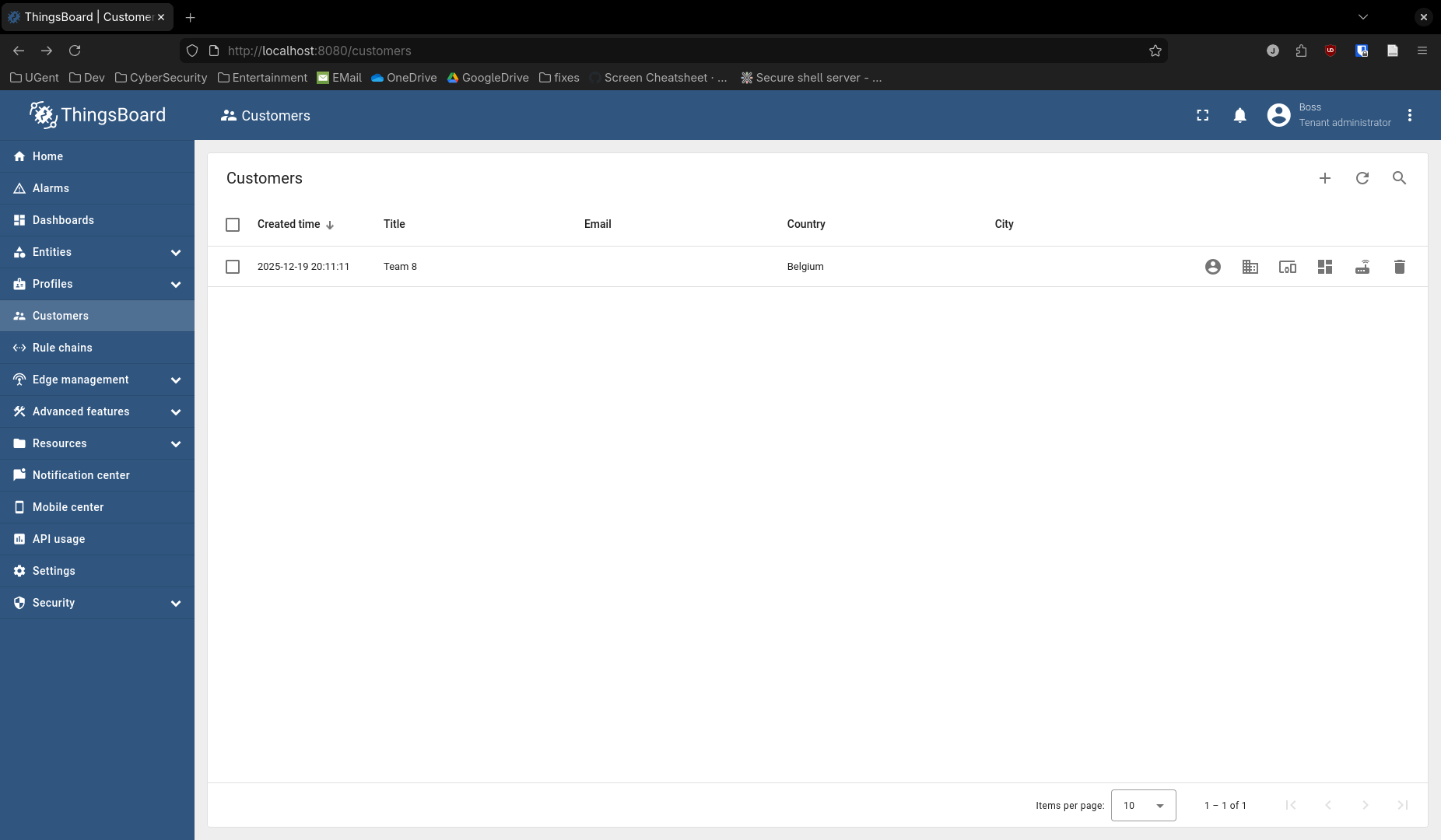
The list of customer should be updated.
!
What we will do now is add a user, so we can log in as that customer and create a dashboard for the customer. We will start with adding the user, click on Manage customer users.
!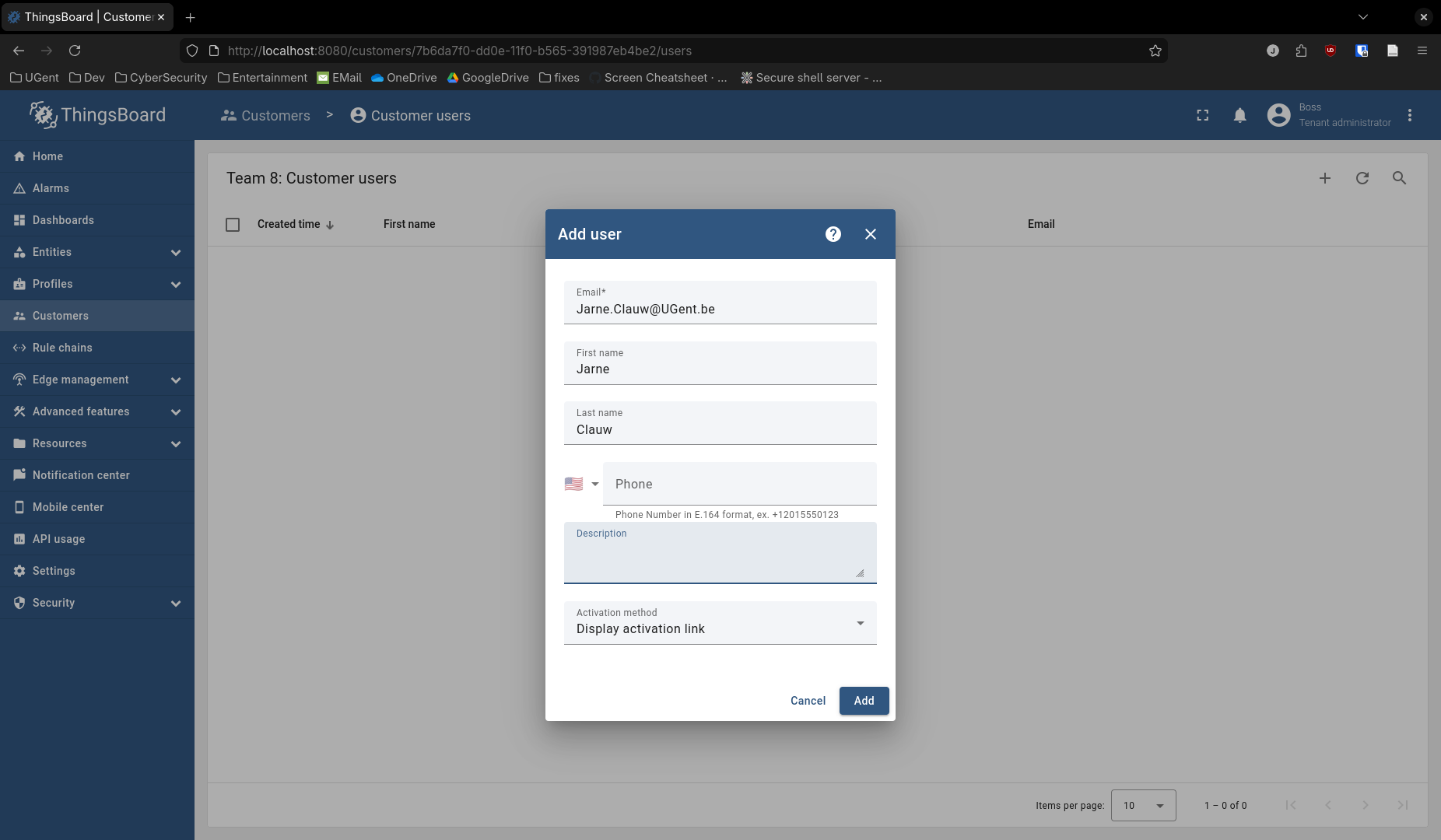
This automatically redirects us to the new user account, but stay logged in as the tenant administrator. Now we can add a new dashboard to the customer by navigating to Dashboards and click Add dashboard.
!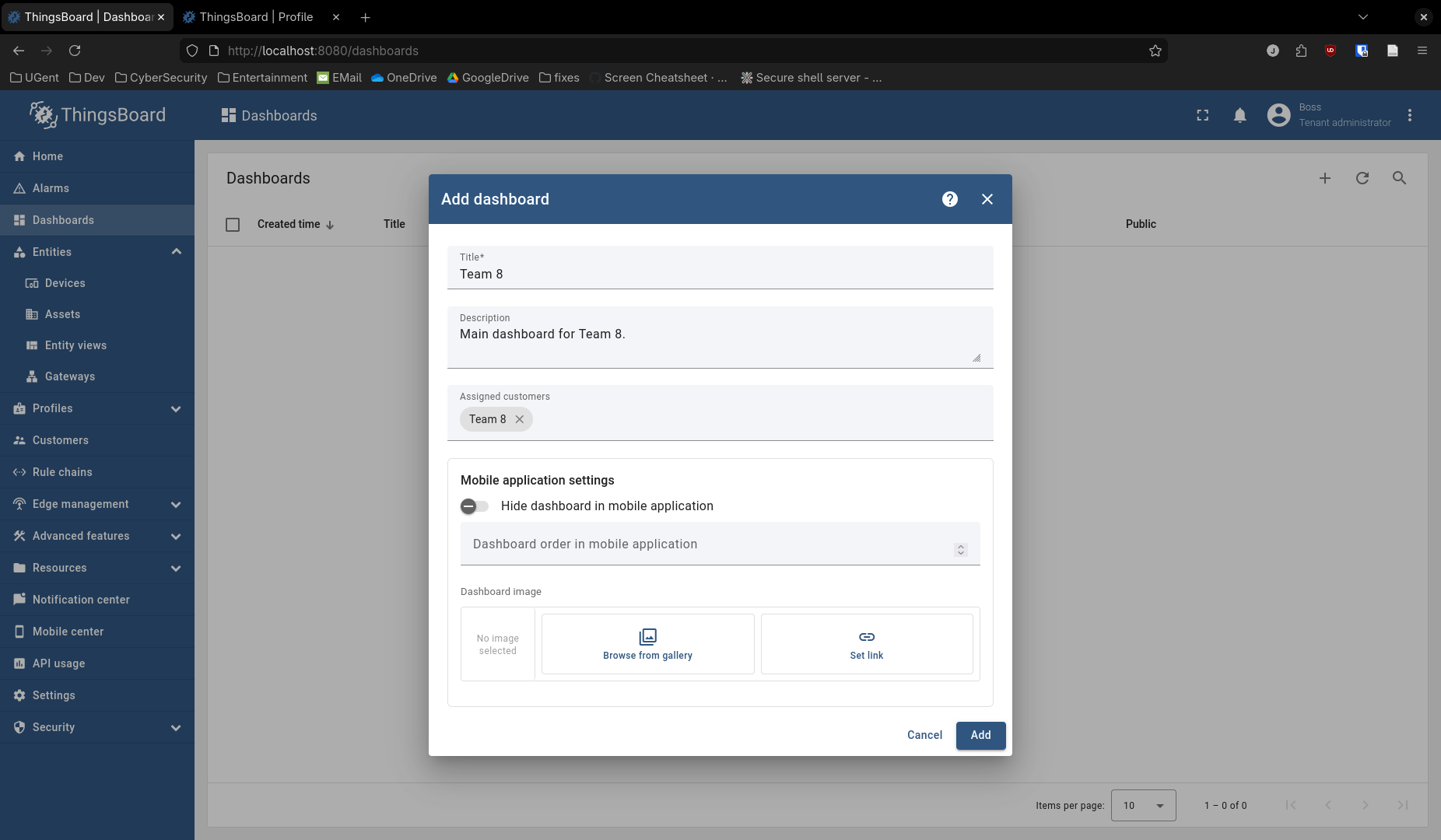
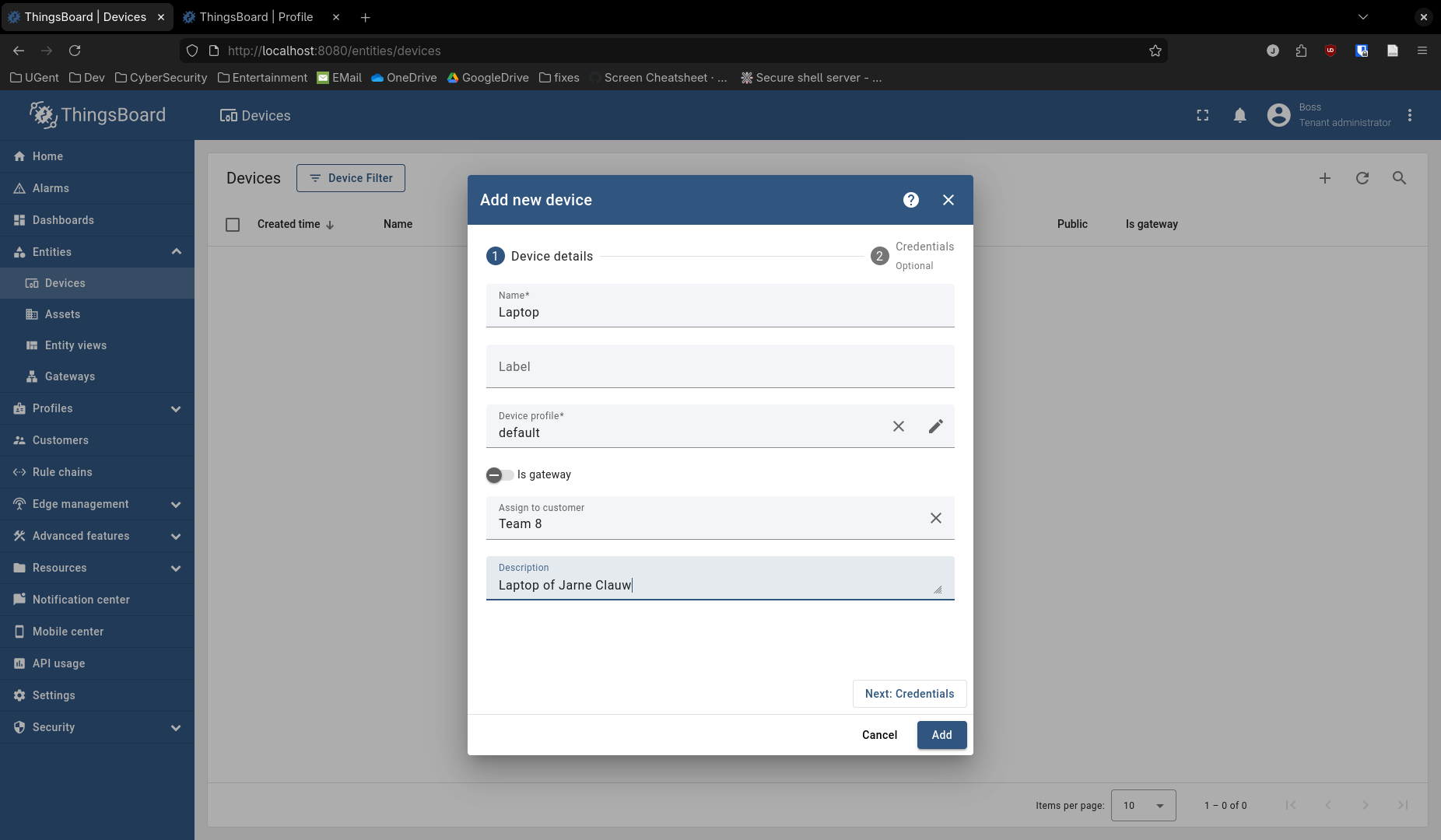
This creates an empty dashboard, which we will fill in the next section. Don't forget to save when leaving the page! The only thing left to do is to add a device to our customer. Navigate to Entities/Devices and click Add device.
!
!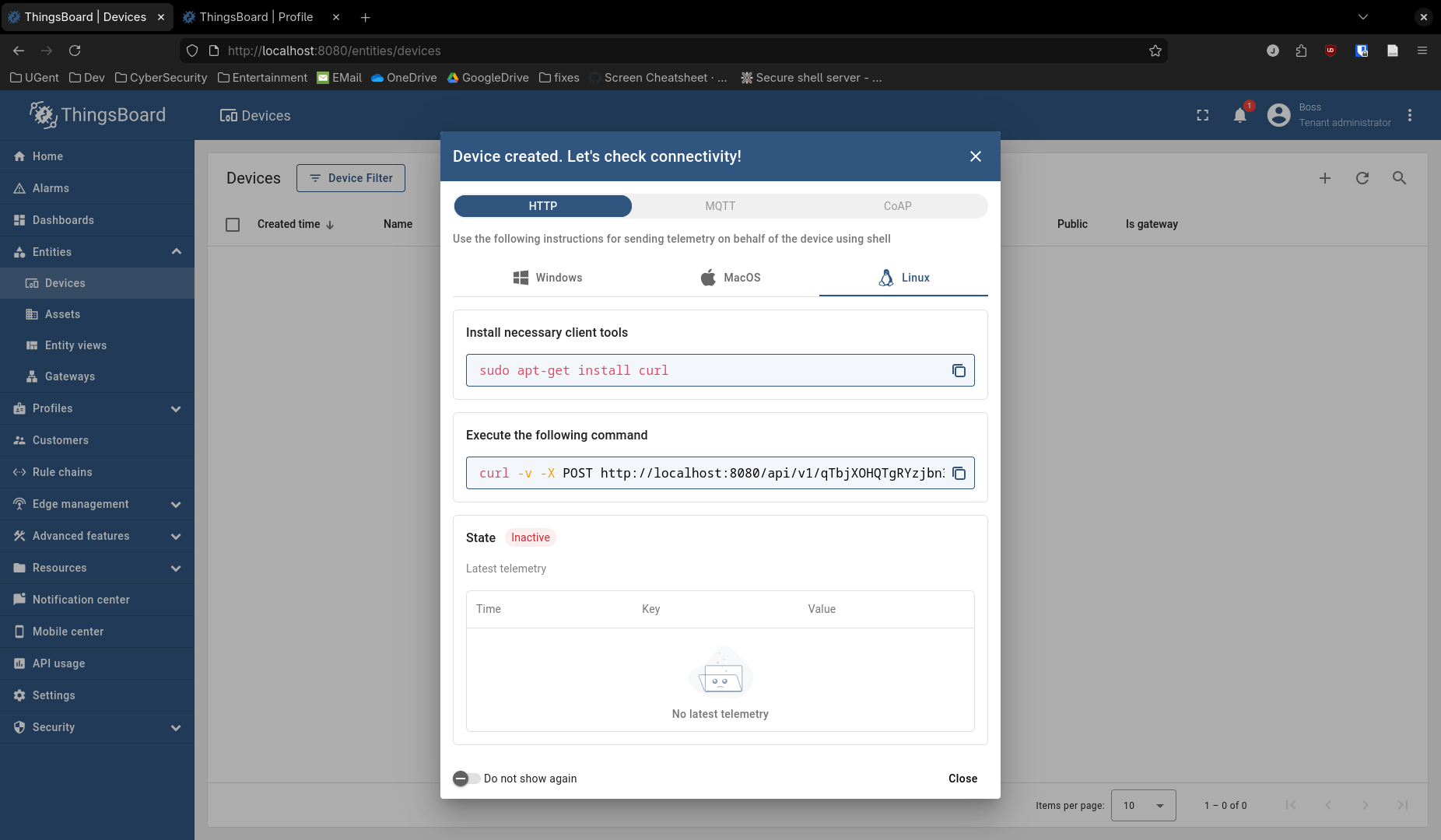
The second screen shows how to make a connection. For example, this is how you send data to the platform as the newly created device.
curl -v -X POST http://localhost:8080/api/v1/qTbjXOHQTgRYzjbn3UxF/telemetry --header Content-Type:application/json --data "{temperature:25}"
The header is made up in the following way.
http://<server>/api/v1/<key>/telemetry
And simply sends JSON data. Now that everything is created, and we briefly saw how to send data from the device, we can go to the next section to inject the telemetry data and make this visible on the dashboard.
Injecting telemetry data
Discussion
Question 2
Q: Due to processing constraints, one of our end nodes cannot convert the measured voltage from a TMP36 sensor to temperature. Is it possible to accomplish this conversion at Thingsboard? How this could be done?
A: Yes this is possible, there are generally two ways of doing this:
- You could add a script node to the rule chain which receives the (voltage) sensor data and transforms this into the temperature through a certain function.
- There is now also a new feature in Thingsboard called "Calculated fields". This way is generally more elegant as it doesn't require you changing the rule chain. The calculated fields can be configured at both the device level and the device profile level. We can either use a "Simple calculated field" for simple arithmetic functions, or we can use a "Script calculated field", which allows us more control over the computation on the data. These scrips are written in a language called "TBEL".
sources:
- https://thingsboard.io/docs/user-guide/rule-engine-2-0/overview/
- https://thingsboard.io/docs/user-guide/rule-engine-2-0/tutorials/transform-incoming-telemetry/
- https://thingsboard.io/docs/user-guide/calculated-fields/
Question 3
Q: We have a node monitoring pumps vibration on a water station. We need to predict when vibration will reach critical levels so we can schedule preventive maintenance for the pump and avoid unplanned downtime. Briefly describe how this could be accomplished with ThingsBoard.
A: This too can be done by calculated fields. For this field we would probably want to use a "Script calculated field" as it allows us to access historical data (through the variable ctx). The function will need to do some analysis on thi historical data and based on that estimate when a device would need preventive maintenance. The output of this script should be an Attribute, as we want a single answer for when to plan the maintenance.
source:
Question 4
Q: Alarms are an important part of telemetry monitoring. Describe how they work in ThingsBoard and what options are available to send notifications when an alarm is triggered.
A: Alarms are defined for certain device profiles which you choose. If certain telemetry data is sent that meets certain conditions, the alarm will be triggered. This will be visible in your notifications. The alarms can also be displayed in a dashboard that is associated with a device of the device profile.
Personalized notifications can be delivered via email, SMS or other third party systems through the Notification Center.
It's also possible to send notifications to your smartphone through the Thingsboard Mobile Application
sources:
- https://thingsboard.io/docs/user-guide/device-profiles/#alarm-rules
- https://thingsboard.io/docs/getting-started-guides/helloworld/#step-6-alarm-notifications
Conclusion
Conclusion and lessons learned
References
Do we add them to where we use them or here at the end of the report?